
Pocket Actions

Android is currently in Closed Testing.
switch
for your
cloud.
Leave the heavy consoles
on your laptop.
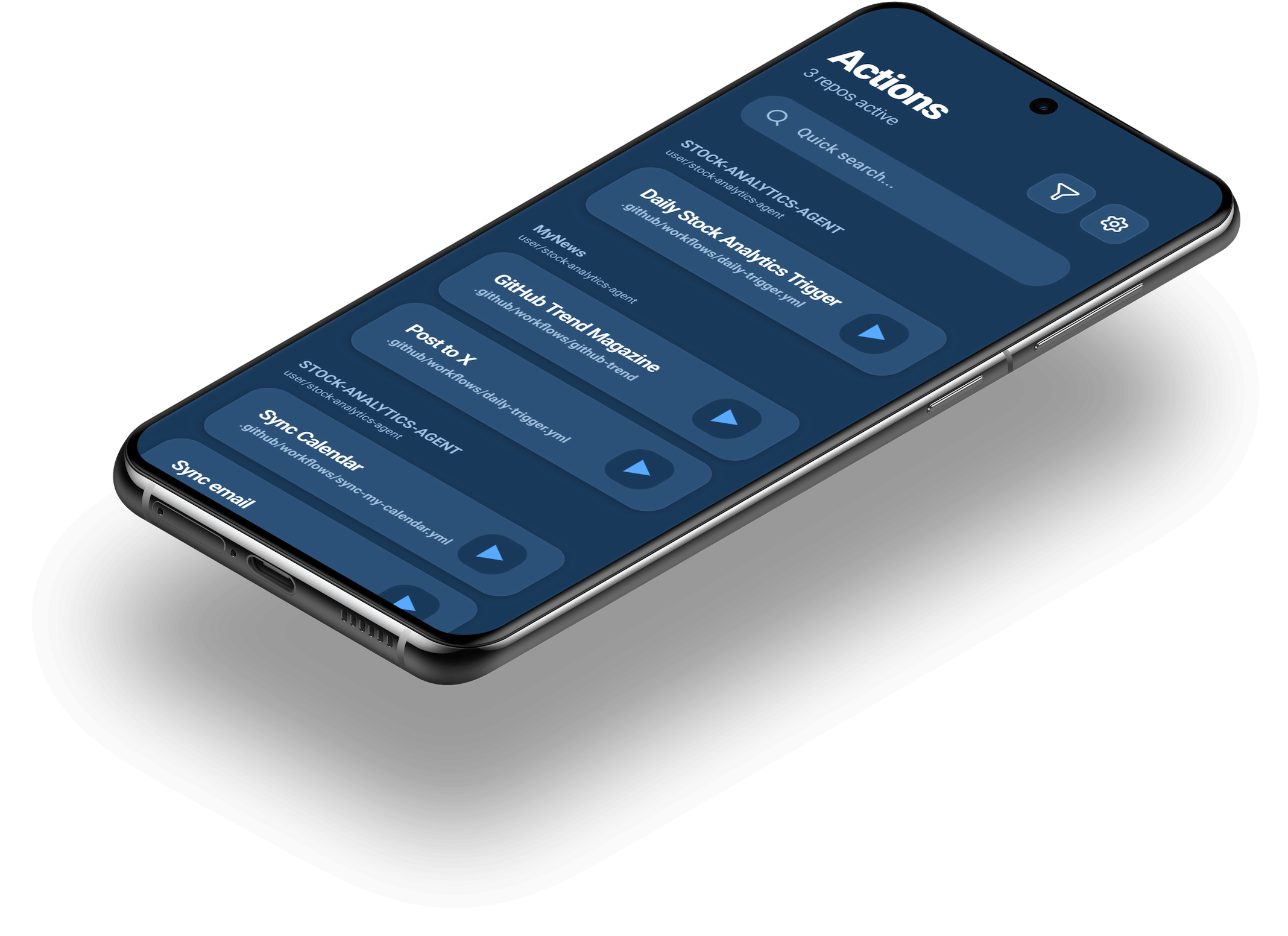
Trigger GitHub Actions & Google Apps Script
from your phone. Zero lag, zero desktop needed.
Features

Bluntly simple.
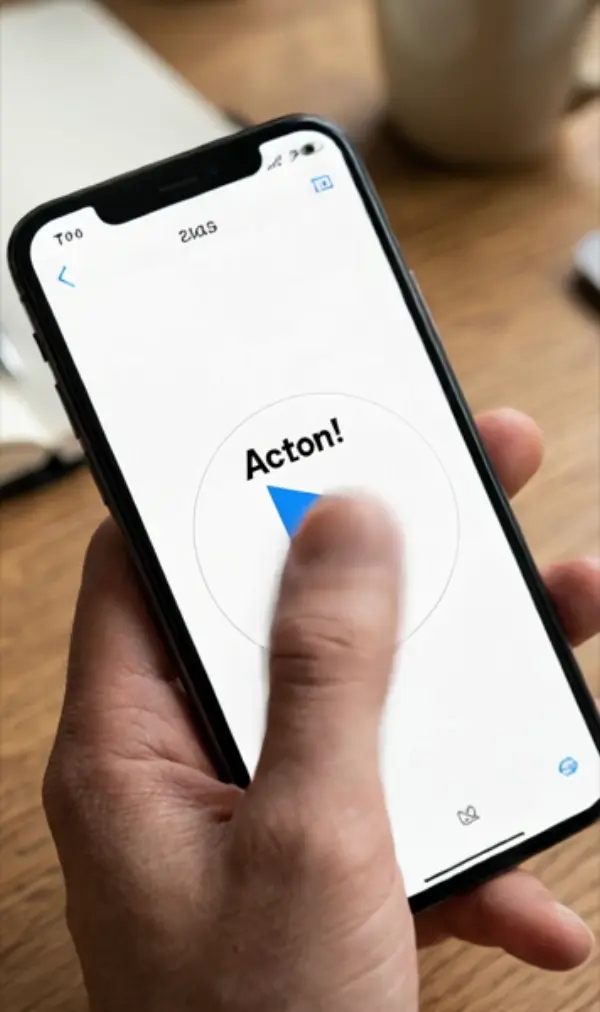
Launch the app, tap the switch, deployed.
From pocket to running in under two seconds.
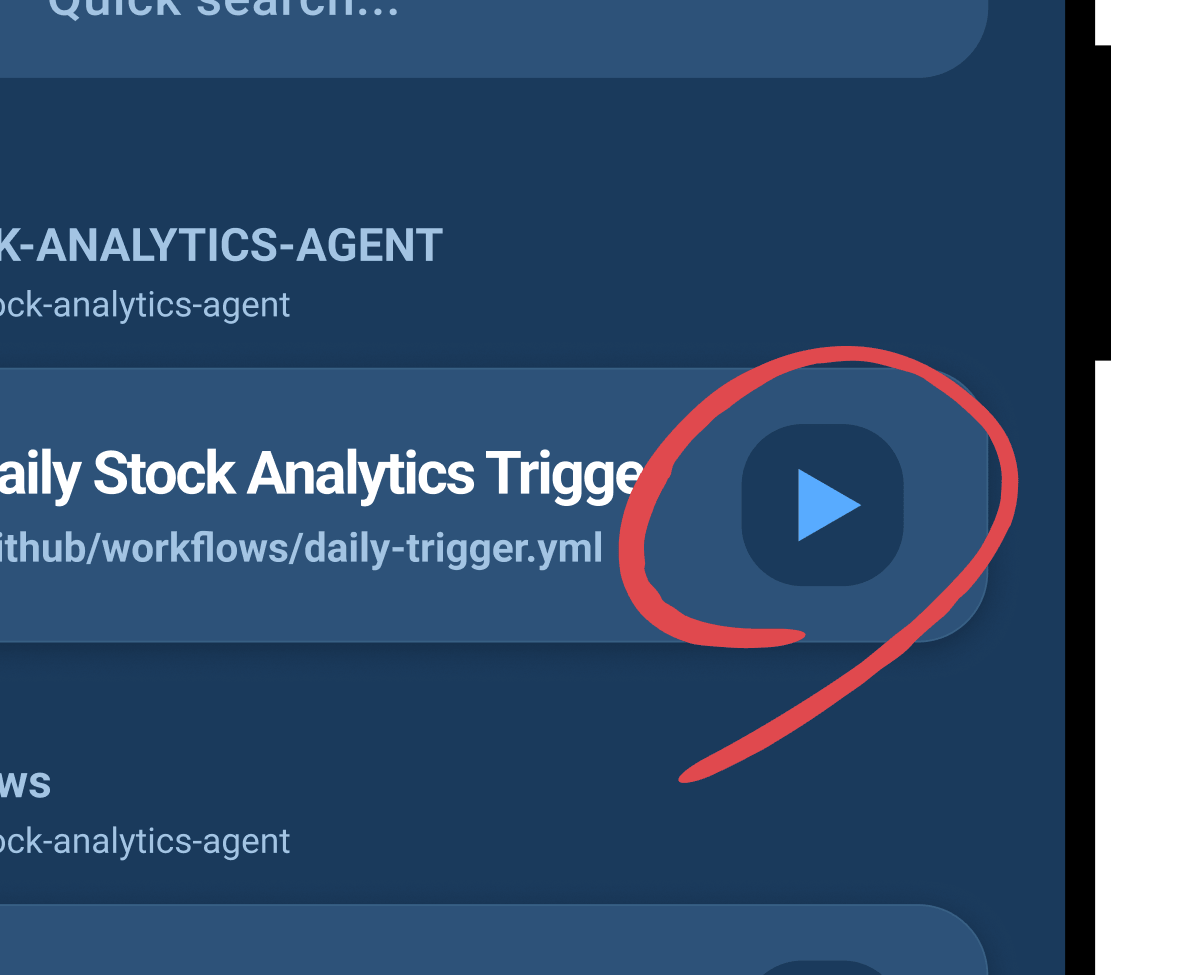
Keep high-frequency
workflows on
speed dial.
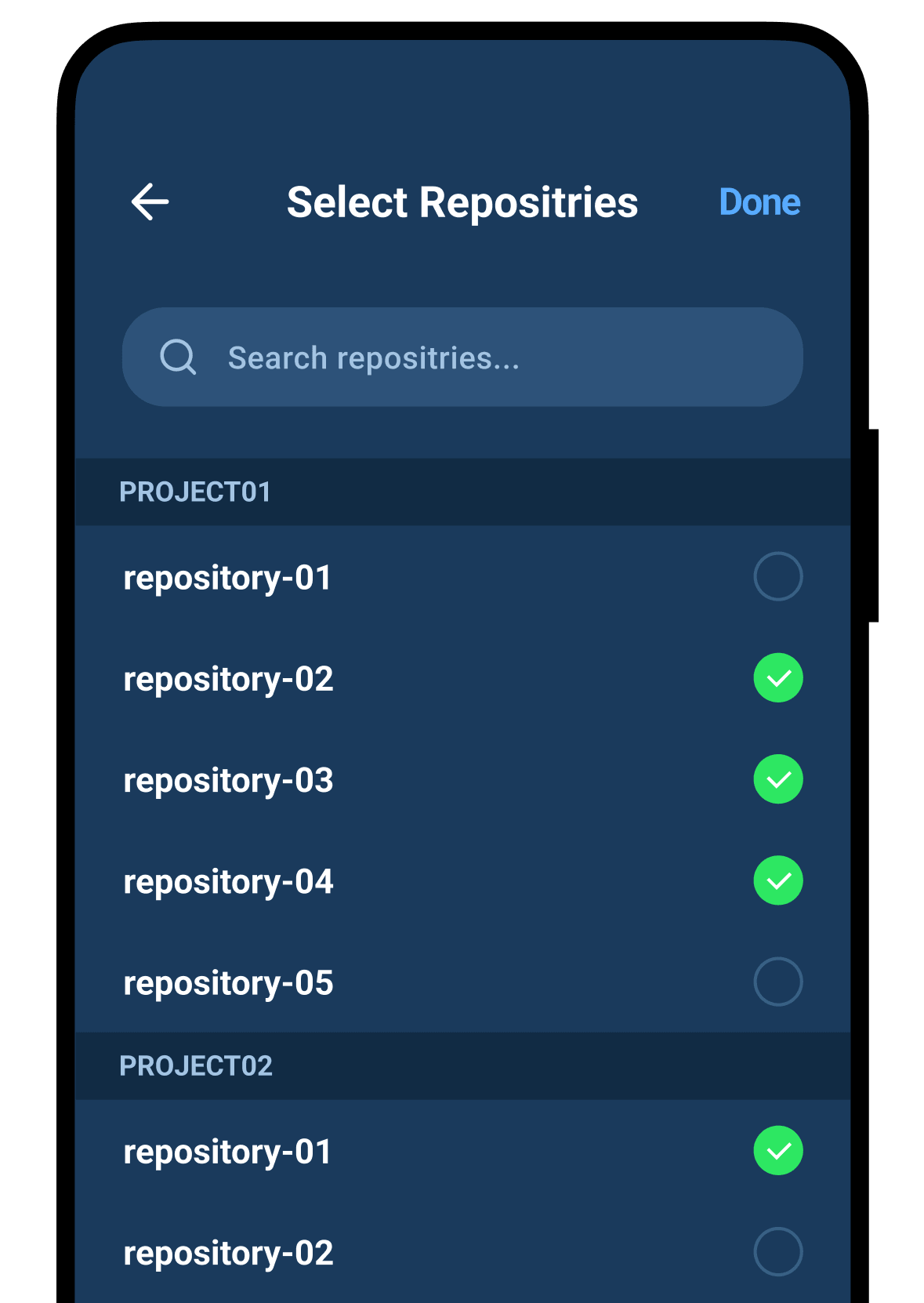
Have 50 workflows across 10 repos?
Pin the three you actually trigger on the move.
Zero-server auth.
Just a PAT.
Works via a GitHub Personal Access Token
stored only on your device.
No third-party OAuth, no tracking, no accounts.
Google Apps Script, too.

No Google sign-in required.
Just paste your deployed Web App URL
and fire automations on demand.
FAQ
Does my GitHub token touch your servers?
Never. Pocket Actions has no backend. Your Personal Access Token and Apps Script URLs stay strictly inside your phone’s encrypted SecureStore (iOS Keychain / Android Keystore). They communicate directly with api.github.com and script.google.com. Delete the app, and they disappear.
What token scopes are required?
Only the bare minimum: repo and workflow. Our in-app setup guide opens GitHub with the exact checkboxes pre-selected, so you never have to guess or over-grant permissions.
Can I use this with company / Organization repos?
Yes, as long as your Organization allows personal access tokens. If your org enforces SAML SSO or strict third-party token policies, you may need an admin’s one-time approval. We suggest trying a personal hobby repo first.
Do I need to know how to write Actions YAML?
Not at all. Pocket Actions only triggers existing workflows. If Cursor, Claude, or ChatGPT wrote your deploy script, you just tap the button to run it.
How fast is setup?
Under three minutes. Generate a GitHub PAT, paste it in, and your workflows appear automatically. The in-app guide takes you straight to the pre-filled token generation page.
How do I connect Google Apps Script?
Deploy your script as a Web App (Deploy → New deployment → Web app), set access to “Anyone”, and paste the resulting URL into the app. No Google authentication needed inside Pocket Actions.
Can I organize workflows across multiple repos?
Yes. All repositories tied to your token are accessible, and you can pin your most frequent workflows alongside Apps Script triggers on a single unified dashboard.
Why not just open a laptop or use the browser?
For the moments between desks: kicking off a rollback from the train after a Slack alert, triggering an inventory batch from the warehouse, or checking a nightly crawl from bed. It bridges the gap between full-on coding and zero-touch automation.
Can I see whether the workflow succeeded or failed?
The app gives instant visual feedback that the run request was accepted (the button turns into a green checkmark). For detailed execution logs or live terminal output, check the GitHub or Apps Script web console.
What can I automate with Apps Script?
Spreadsheet recalculations, bulk customer notifications via Gmail, syncing Google Calendar, or triggering scrapers. It turns any custom Apps Script into an on-demand personal remote control.
Is there really a free tier?
Yes. Free users get 5 runs per day and up to 17 runs per week—plenty for staging deploys and hobby projects. If you need unlimited triggers, Premium is available as a monthly subscription or a one-time lifetime unlock.
What does Premium unlock, and how much is it?
Unlimited runs, permanently. Pricing is $2.99/month or a $49.99 lifetime purchase via standard App Store / Google Play in-app purchase. Local currency prices may vary slightly based on regional store tiers.
Will this incur charges from GitHub or Google?
Pocket Actions itself does not bill your cloud accounts. GitHub Actions free minutes and Google Apps Script daily quotas apply as usual.
Can I pass workflow inputs (parameters) at runtime?
Yes for GitHub Actions: the app inspects your workflow YAML and automatically renders native input forms (strings, booleans, dropdown choices). Apps Script currently triggers via simple GET webhook calls; dynamic runtime JSON payloads are planned for a future update.
Is there an Android version?
Yes. Android is currently in Closed Testing on Google Play—opt in through the Play badge. Under Google’s developer policy, personal accounts need active tester participation before public release, so your testing genuinely helps us launch. iOS is live on the App Store.